AI Consultant: Training and Fundamentals

AI Consultant: Training and Fundamentals, Context Engineering

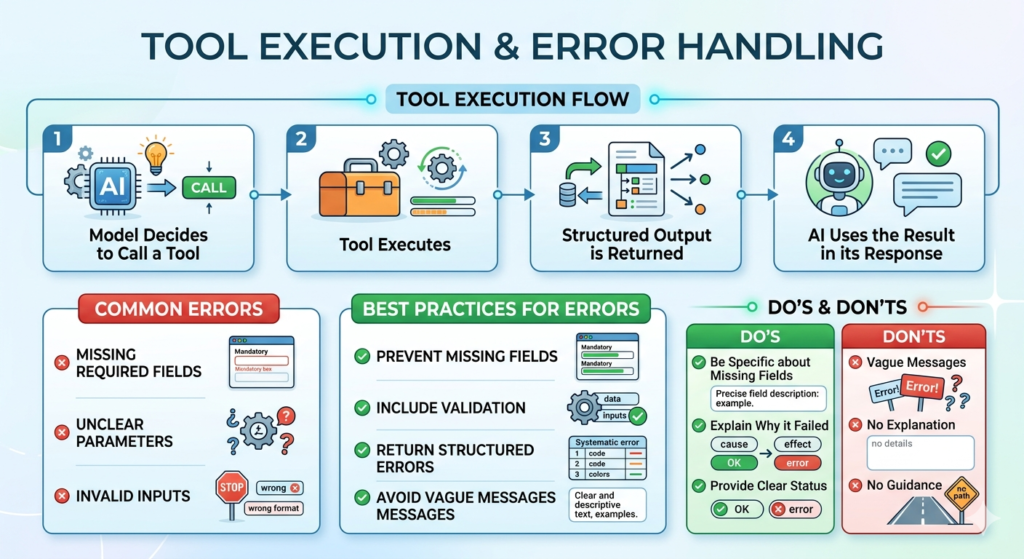
Tool Execution & Error Handling

Tool Execution Flow model decides to call a tool tool executes structured output is returned AI uses the result in its response Common Errors missing required fields unclear parameters invalid inputs Best Practices for Errors prevent missing fields include validation return structured errors avoid vague messages Do’s be specific about missing fields explain why it failed provide clear status Don’ts vague messages no explanation no guidance

AI Consultant: Training and Fundamentals, Context Engineering

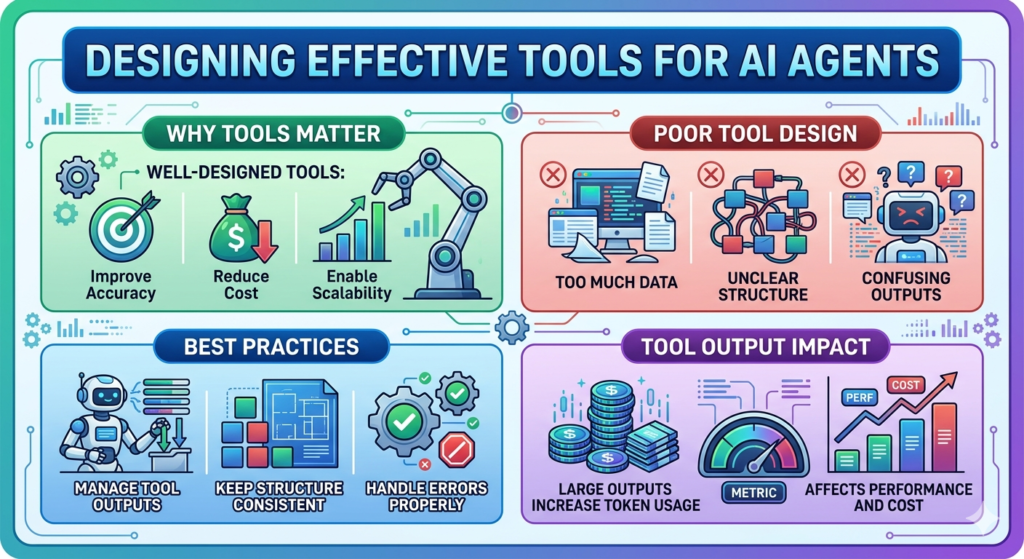
Designing Effective Tools for AI Agents

Why Tools Matter Well-designed tools: improve accuracy reduce cost enable scalability Poor Tool Design too much data unclear structure confusing outputs Best Practices manage tool outputs keep structure consistent handle errors properly Tool Output Impact large outputs increase token usage affects performance and cost Designing Effective Tools for AI Agents Why Tools Matter Well-designed tools: improve accuracy reduce cost enable scalability Poor Tool Design too much data unclear structure confusing outputs Best Practices manage tool outputs keep structure consistent handle errors properly Tool Output Impact large outputs increase token usage affects performance and cost

AI Consultant: Training and Fundamentals, Context Engineering

Choosing the Right LLModel

LLModel Choice Determines capability cost speed The Goal Select the smallest model that provides acceptable performance for your task. Step-by-Step Approach Step 1 – Evaluate the Task complexity & reasoning response time requirements context handling tool usage Step 2 – Start Big begin with a more capable model test performance Step 3 – Optimise Down move to smaller models balance performance vs cost Trade-offs accuracy speed cost

AI Consultant: Training and Fundamentals, Context Engineering

Context Windows, Tokens & Limits

Context Windows, Tokens & Limits Context Window The context window is the maximum amount of information an AI model can process at once. What It Includes system prompt conversation history tool outputs tool definitions Why It’s Critical context accumulates automatically it consumes token budget overflow reduces performance Context Trade-offs Smaller Context more selective requires careful prompting Larger Context more flexibility but more complexity and noise Token Behaviour more context ≠ always better more tokens = higher cost diminishing returns after a point

Context Engineering

What Is Context Engineering?

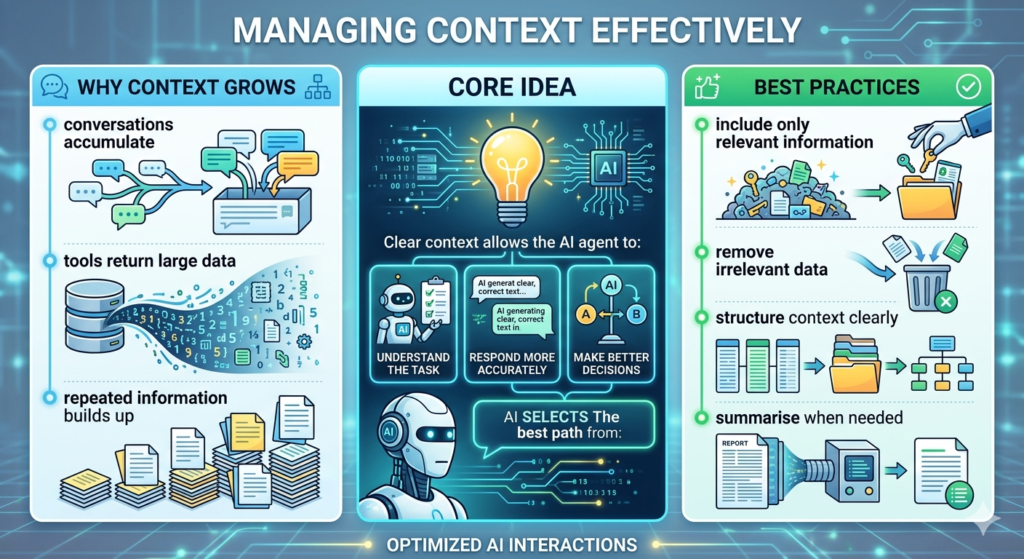
Context Engineering Context Engineering is about selecting and managing the right information for the AI system to produce its best performance. It is the extension of prompt engineering. Prompt vs Context Prompt narrow static Context broader approach what to include where to pass info how to keep context manageable Why Context Matters context shapes AI agent behaviour context determines output quality context enables better decisions What Context Includes system prompt conversation history tool definitions tool outputs Key Principle Context engineering is about: → managing all the information your agent processes within its limited space

AI Consultant: Training and Fundamentals, Prompt Engineering

Tools & AI Agent Design

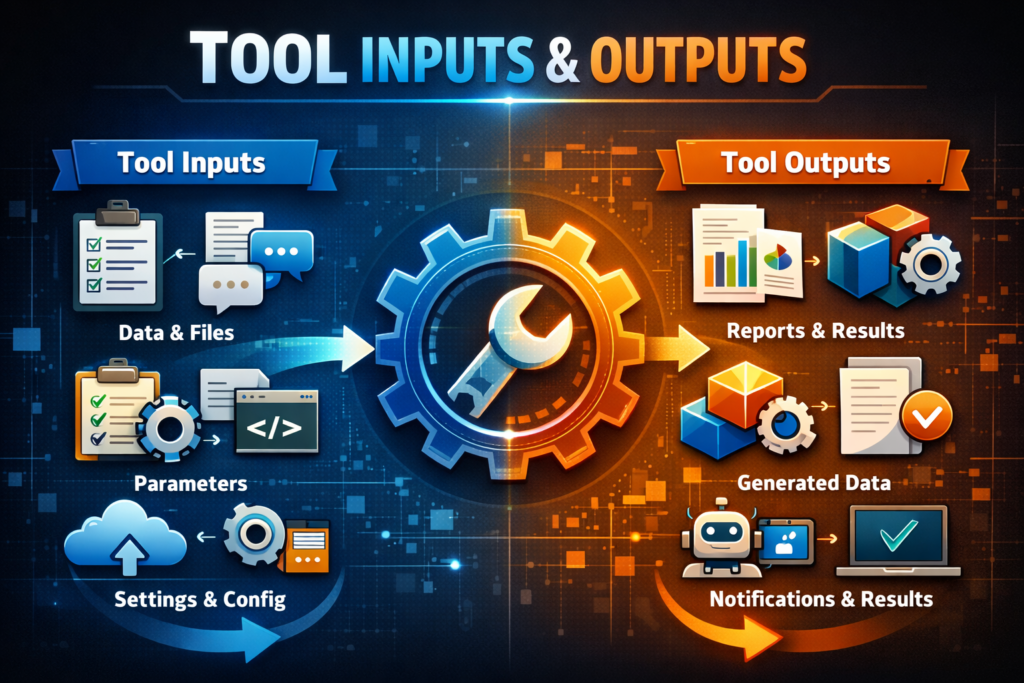
Tools & AI Agent Design Thinking tools for your AI agent clear name → function detailed description Defining tool inputs & outputs Tool input → the information the AI agent needs to work with & how to input data Tool output → the info the tool returns back to the agent Key points for tool design specify the data define input/output schema Example outputs customer email → string order amount → number Final notes keep naming consistent define inputs/outputs structure consistency strong intentions clear tool description proper naming defined tool inputs/outputs

AI Consultant: Training and Fundamentals, Prompt Engineering

Structuring Prompts & Research

Research process use relevant context specify constraints provide examples General notes Best practices to design prompts be specific about the task – tell the agent exactly what you want put your request at the beginning of the prompt include separators Example structure identify the main themes in the following text the product is great the shipping was fast overall relevant context to the task Instructions structure answers break your prompt into sections use bullet points use markers like ###

Scroll to Top